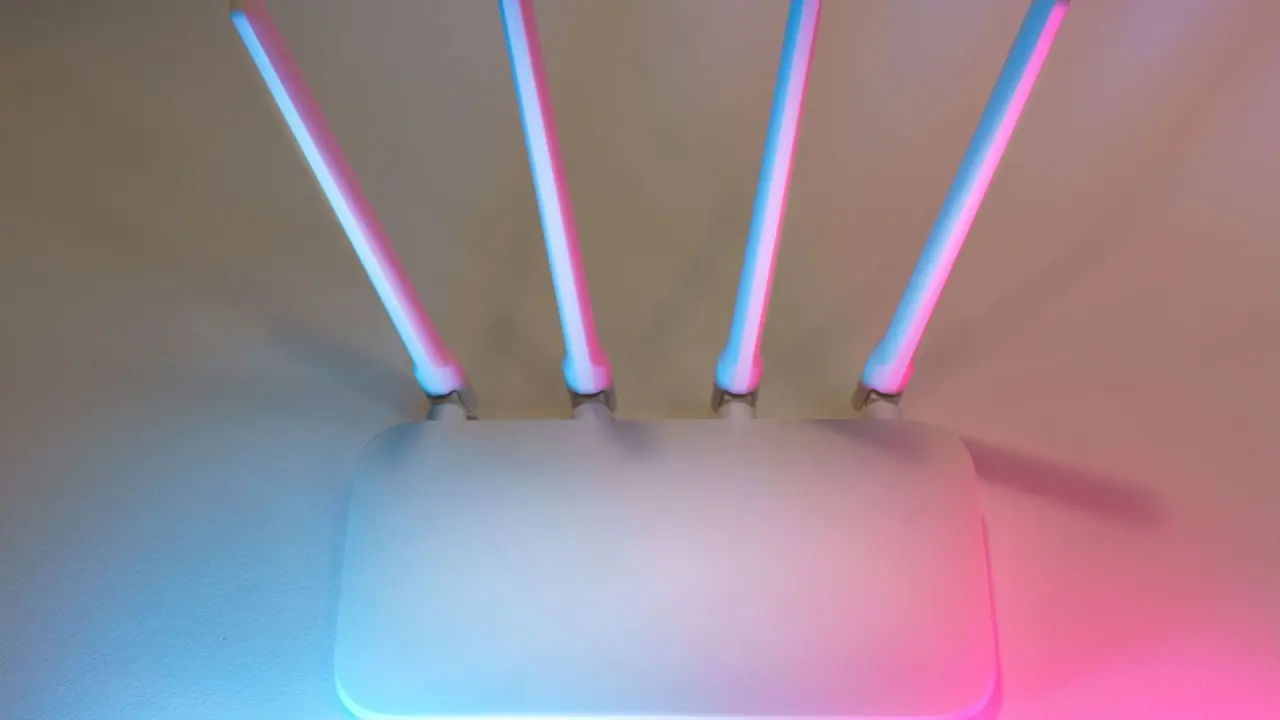
You can’t see it, so how does wifi work? Your phone turns data into radio waves, waits its turn on a shared channel, and your router confirms each delivery.
Wi-Fi is one of the many types of technology we use every day without thinking about it, and this guide explains how it moves data.
| Item | Value |
|---|---|
| Base 802.11 standard released | 1997 |
| Latest IEEE 802.11 version listed | IEEE 802.11-2024, dated 28 April 2025 |
| Non-overlapping 20 MHz channels at 2.4 GHz | 3 |
| Non-overlapping 20 MHz channels at 5 GHz | At least 23 |
| Wi-Fi 6 peak rate | 9.6 Gbps |
| Wi-Fi 7 peak rate | 46 Gbps |
These figures come from Wikipedia’s IEEE 802.11 entry and the RF Essentials 802.11 glossary. Standards and speed claims can change, so check the sources before you rely on them.
What is Wi-Fi, exactly?
Wi-Fi is the consumer brand for a family of wireless networking rules called IEEE 802.11. According to Wikipedia, these standards provide the basis for products using the Wi-Fi brand and are the world’s most widely used wireless computer networking standards.
The base version of the standard was released in 1997, as Wikipedia’s 802.11 entry notes. As of the 28 April 2025 date shown there, the latest version listed is IEEE 802.11-2024. That original release ran at 1 to 2 megabits per second.
The name is a common source of confusion. One engineering write-up states that WiFi doesn’t stand for anything, so “Wireless Fidelity” is a myth.
At home, the standard lets laptops and other devices reach the internet through a wireless router. Once your data leaves the router, it often ends up on remote servers, which the guide on what is cloud computing explains.
How does Wi-Fi use radio waves and channels?
Wi-Fi sends data as radio waves in unlicensed bands, which means you don’t need a licence to use them, within power and behaviour limits. The 802.11 family uses several bands, including 2.4, 5 and 6 GHz. Each band behaves differently.
- 2.4 GHz: travels well through walls and has long range, but the band is crowded.
- 5 GHz: has less congestion than 2.4 GHz, but worse range and more attenuation through walls, per the same walkthrough.
- 6 GHz: is exclusive to WiFi 6E and later, so older devices can’t use it.
Each band is sliced into channels. Wikipedia says the 2.4 GHz band offers only three non-overlapping channels that are 20 MHz wide, while 5 GHz offers at least 23. In most regions the three clean 2.4 GHz channels are 1, 6 and 11.
More clean channels mean less interference between neighbouring networks. The same entry warns that the allowed spectrum varies significantly by regulatory domain, so what your router may use depends on where you live.
How devices avoid talking over each other
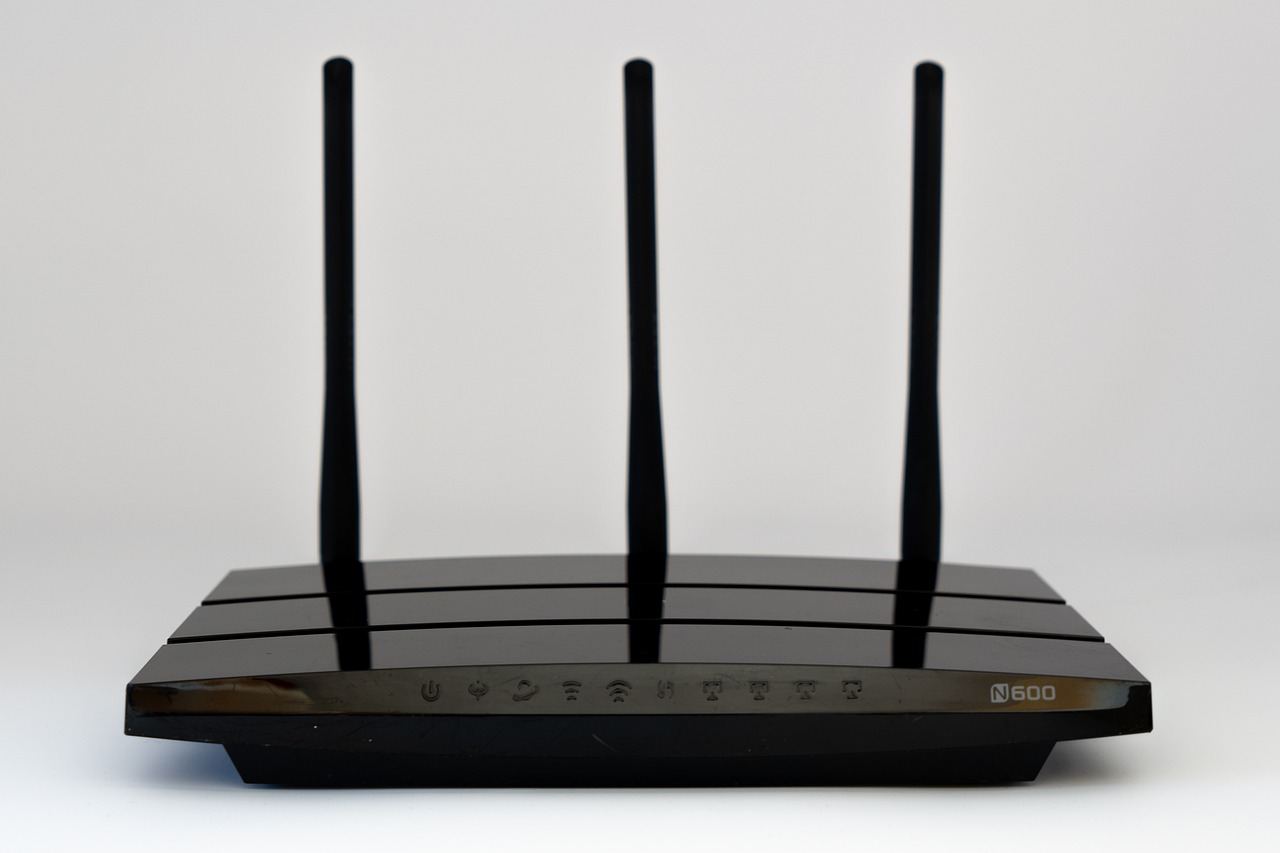
Radio is a shared medium, so every device in range hears everything, as this explainer puts it. Wi-Fi uses carrier-sense multiple access with collision avoidance (CSMA/CA), where equipment listens to a channel for other users before transmitting each frame.
In practice, a device follows a short routine:
- It listens to the channel for a random interval before sending.
- If the channel is quiet, it transmits its frame.
- The receiver sends back an acknowledgement after a very short interval.
- If no acknowledgement arrives, the sender assumes the frame was lost and retries with a longer wait next time.
Those steps are described in Barking Iguana’s walkthrough. The random delay is the trick: two devices that are ready at the same moment pick different waits, so one goes first.
The cost is airtime overhead. The same source says Wi-Fi spends a significant fraction of its airtime on coordination rather than data transfer, and a separate write-up adds that only one device can transmit on a channel at a time.
Other gadgets can join the crowd. Wikipedia lists microwave ovens, cordless telephones and Bluetooth devices as sources of occasional 2.4 GHz interference.
How bits become radio signals
Modern Wi-Fi uses OFDM, which splits the channel into many narrow subcarriers and modulates each one independently. One source counts 52 data subcarriers in a standard 20 MHz channel. If one subcarrier hits interference, the others can keep carrying data.
Each subcarrier packs bits using QAM, which varies a signal’s amplitude and phase together. Higher orders carry more bits per symbol: 1024-QAM in WiFi 6 encodes 10 bits per symbol, and 4096-QAM in WiFi 7 encodes 12.
Wider channels add capacity too. According to RF Essentials, Wi-Fi 7 doubles channel width to 320 MHz and introduces 4096-QAM.
How Wi-Fi works across generations and speeds
For years, products were sold by the letters of the IEEE amendment. A write-up on Wi-Fi history says that in 2018 the WiFi Alliance introduced generational numbering, which is why boxes now show a simple generation number instead of a letter code.
Newer generations are faster on paper. RF Essentials gives a Wi-Fi 7 peak rate of 46 Gbps against 9.6 Gbps for Wi-Fi 6.
Treat those as best-case numbers. Wikipedia’s 802.11 entry has a whole section on common misunderstandings about achievable throughput, and the contention described above means real speeds are lower.
Why your signal changes from room to room
Higher frequencies lose more strength going through walls, so the band you connect to matters. Close to the router, 5 GHz or 6 GHz usually gives a cleaner link. Farther away, 2.4 GHz often reaches further, as noted in the band comparison above.
A few practical checks can help:
- Move closer to the router, or place the router in a central, open spot.
- Keep the router away from microwave ovens and cordless phones.
- Switch to a less crowded band if your device supports it.
If you want to understand the power source behind your phone’s radio, the guide on how do batteries work is a good next read.
Frequently asked questions
Does Wi-Fi stand for “Wireless Fidelity”?
Show answer
No. One technical write-up states that WiFi doesn’t stand for anything, and that the longer phrase was added later.
Is Wi-Fi the same thing as the internet?
Show answer
No. Wi-Fi is the wireless link between your device and a router, and the router connects you to the internet, as Wikipedia’s 802.11 entry describes.
What is the difference between Wi-Fi 6 and Wi-Fi 7?
Show answer
According to RF Essentials, Wi-Fi 7 doubles channel width to 320 MHz, introduces 4096-QAM and adds multi-link operation. Its peak rate is 46 Gbps against 9.6 Gbps for Wi-Fi 6.
Why can 2.4 GHz Wi-Fi feel slow in a busy building?
Show answer
The band has only three non-overlapping 20 MHz channels, so neighbouring networks share them. Microwave ovens, cordless telephones and Bluetooth devices can add interference.